# 創建交易對

## 何謂Uniswap?

同 AlliMeta 宇宙生態系，Uniswap 也是建立在以太坊網路（Ethereum），Uniswap 為去中心化交易所（DEX）並提供加密貨幣交易、流動性挖礦等服務，用戶無需透過中間機構的介入，即可為代幣創建交易對並提供資金池的流動性來促使交易。

## 創建新倉位

在串接代幣金融之前，你需要持有一定數量的AlliMeta平台代幣 **Alliance Token (ALIT)。**&#x53D6;得的ALIT數量取決於在Uniswap等比存入的資金池，且代幣資金池比例應為1 : 1。

#### 創建交易對前需準備的工作

* 在您的瀏覽器中安裝MetaMask（[https://metamask.io）](https://metamask.io\)/)
* 在以太坊主網上部署您的ERC-20代幣合約
* 將您的ERC-20代幣發送到您的MetaMask錢包<br>

請根據下列步驟來完成創建與ALIT的交易對：

**步驟 1：**&#x524D;往 [Uniswap](https://app.uniswap.org/#/pool/v2) (v2)

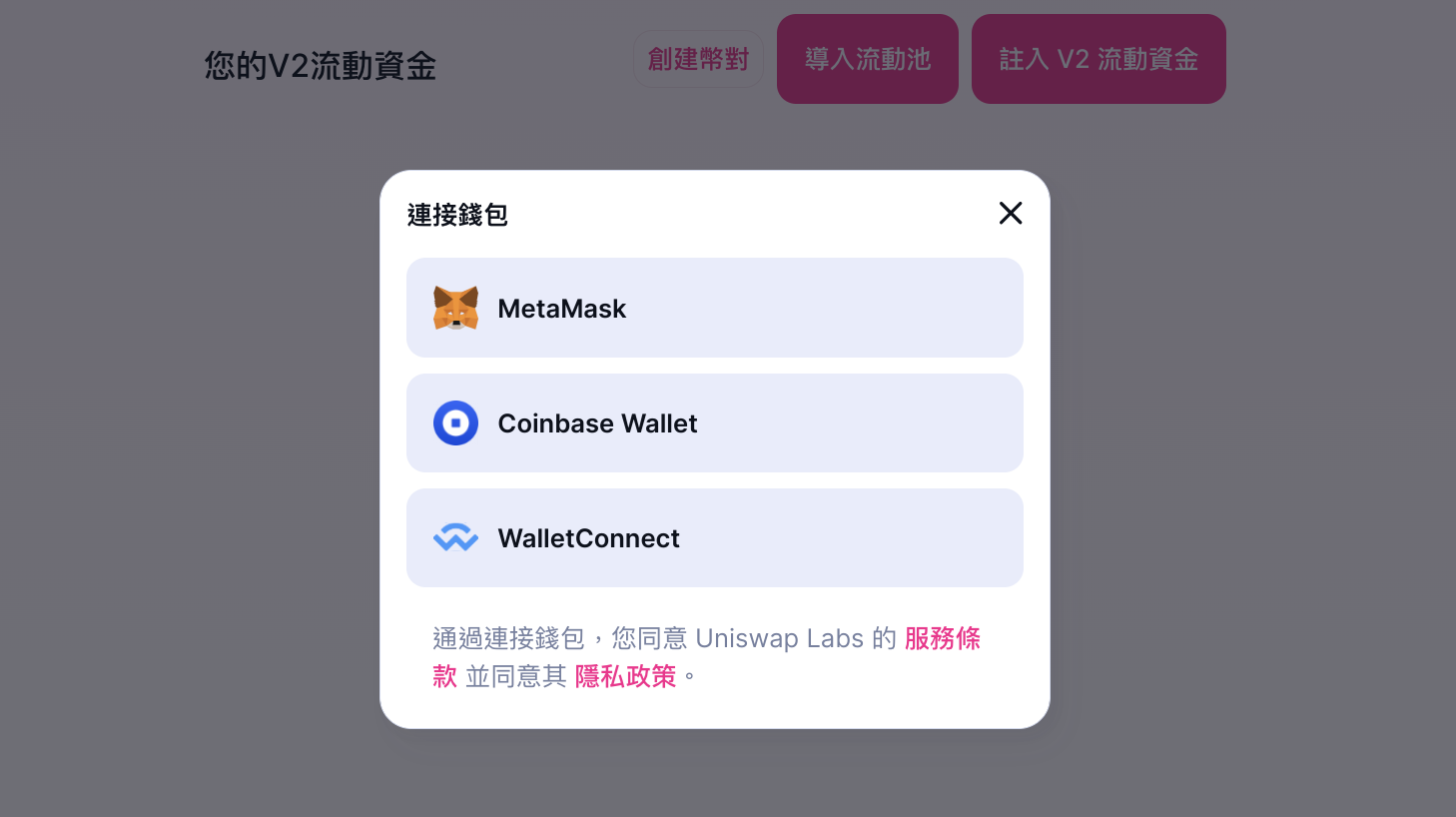
**步驟 2：**&#x9023;結你的MetaMask錢包

<figure><img src="https://3094751767-files.gitbook.io/~/files/v0/b/gitbook-x-prod.appspot.com/o/spaces%2FiXi7V9WlCqahor8Zy18g%2Fuploads%2F5iaKOtTWy53WnZkAGDQQ%2Fconnect%20wallet.png?alt=media&#x26;token=ee1e5633-8765-497d-b0ae-e56f7da63da8" alt=""><figcaption><p>Uniswap 連結錢包地址</p></figcaption></figure>

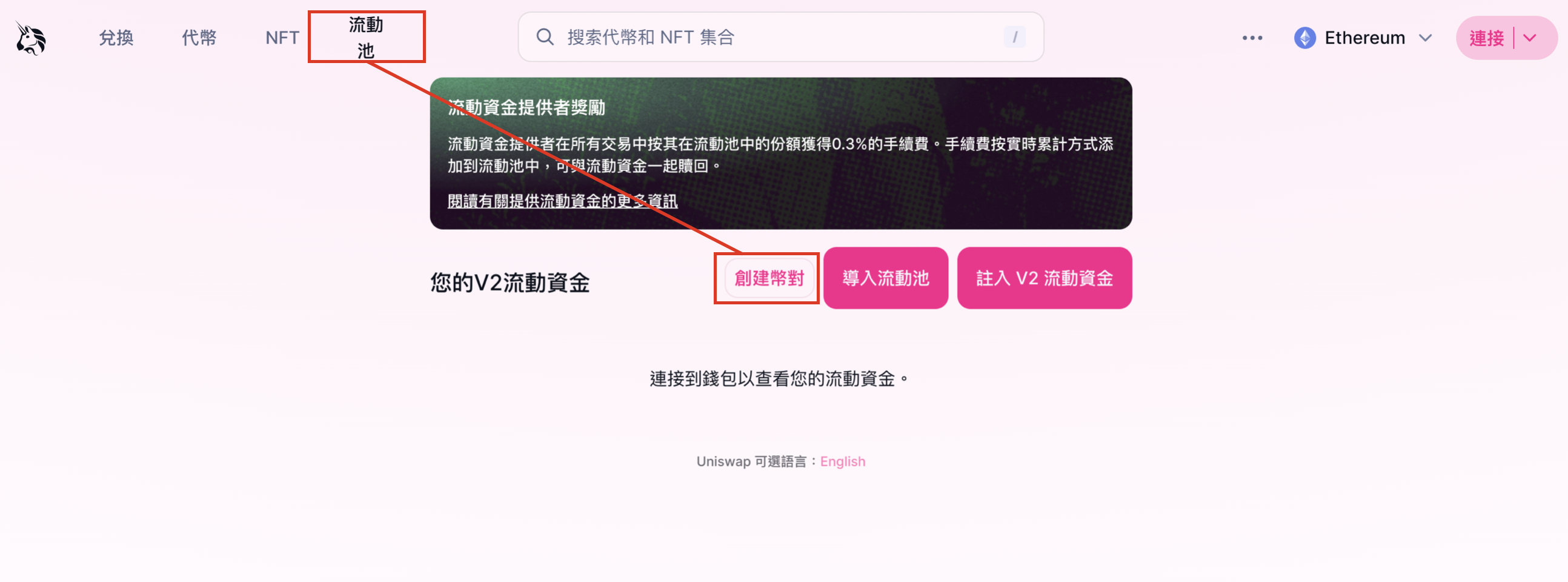
**步驟 3：**&#x5728;螢幕左上角選擇「流動池」，並點擊「創建幣對」。

<figure><img src="https://3094751767-files.gitbook.io/~/files/v0/b/gitbook-x-prod.appspot.com/o/spaces%2FiXi7V9WlCqahor8Zy18g%2Fuploads%2FD1ew78MzoYMHDObnQzTc%2Funiswap%20.png?alt=media&#x26;token=a0188358-08d4-4047-9747-b328f5dc5705" alt=""><figcaption><p>創建交易對</p></figcaption></figure>

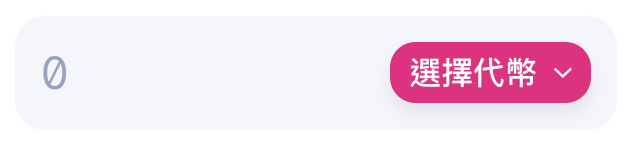
**步驟 4**：點擊「選擇代幣」選項。

<figure><img src="https://3094751767-files.gitbook.io/~/files/v0/b/gitbook-x-prod.appspot.com/o/spaces%2FiXi7V9WlCqahor8Zy18g%2Fuploads%2FNRNRtKpnZSjccIUsNfsB%2Fselect.png?alt=media&#x26;token=9fa66d21-5fc8-4ed2-9660-e0cc7744b19c" alt=""><figcaption></figcaption></figure>

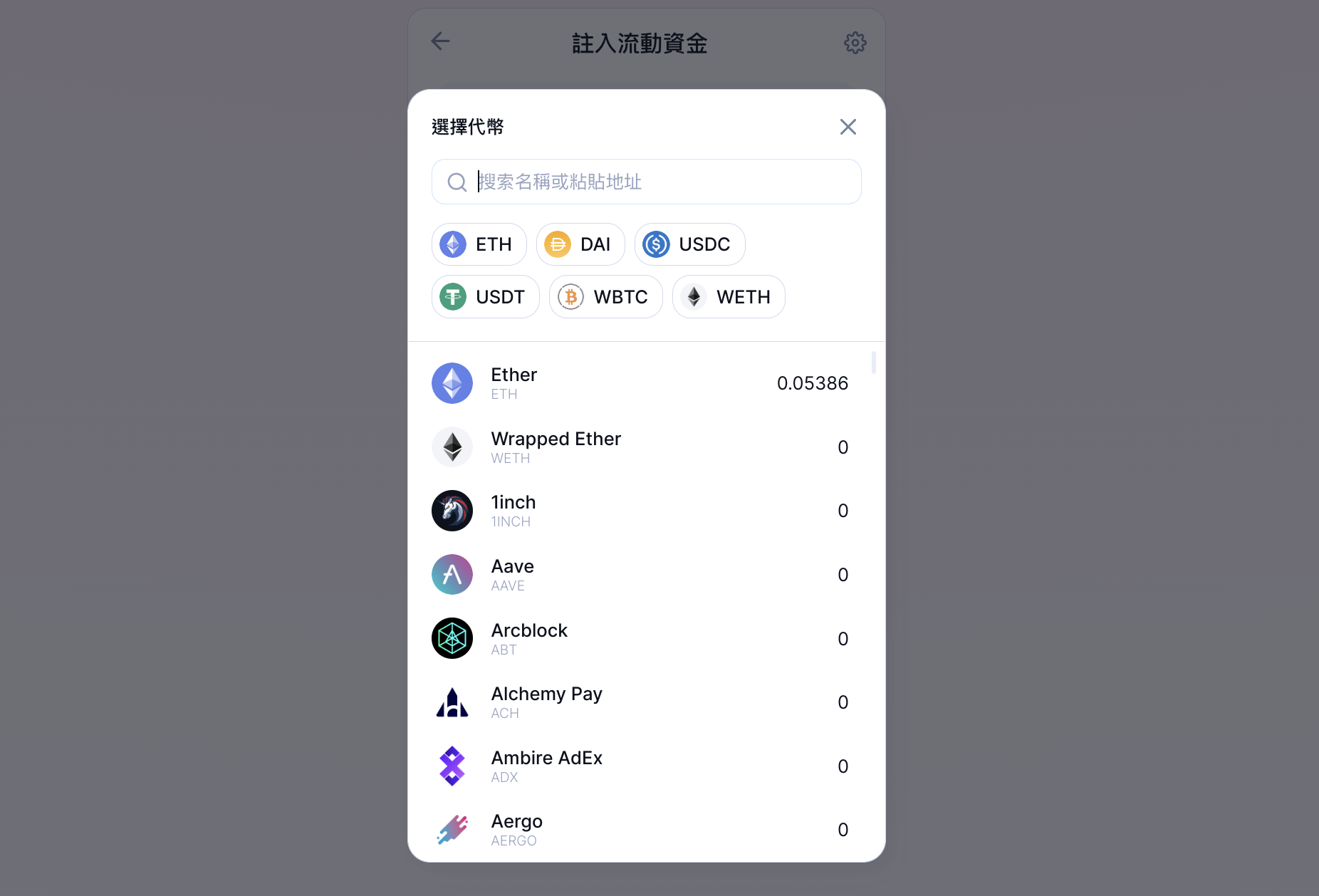
**步驟 5**：於「搜尋名稱或地址」欄位中輸入您的代幣地址，然後從下拉式選單中選擇您的代幣。

<figure><img src="https://3094751767-files.gitbook.io/~/files/v0/b/gitbook-x-prod.appspot.com/o/spaces%2FiXi7V9WlCqahor8Zy18g%2Fuploads%2FCs2bMTGRWla7gPgakqro%2FLIST.png?alt=media&#x26;token=e35e376a-7da8-4081-ac7a-a44aa7d029c9" alt=""><figcaption><p>選擇代幣</p></figcaption></figure>

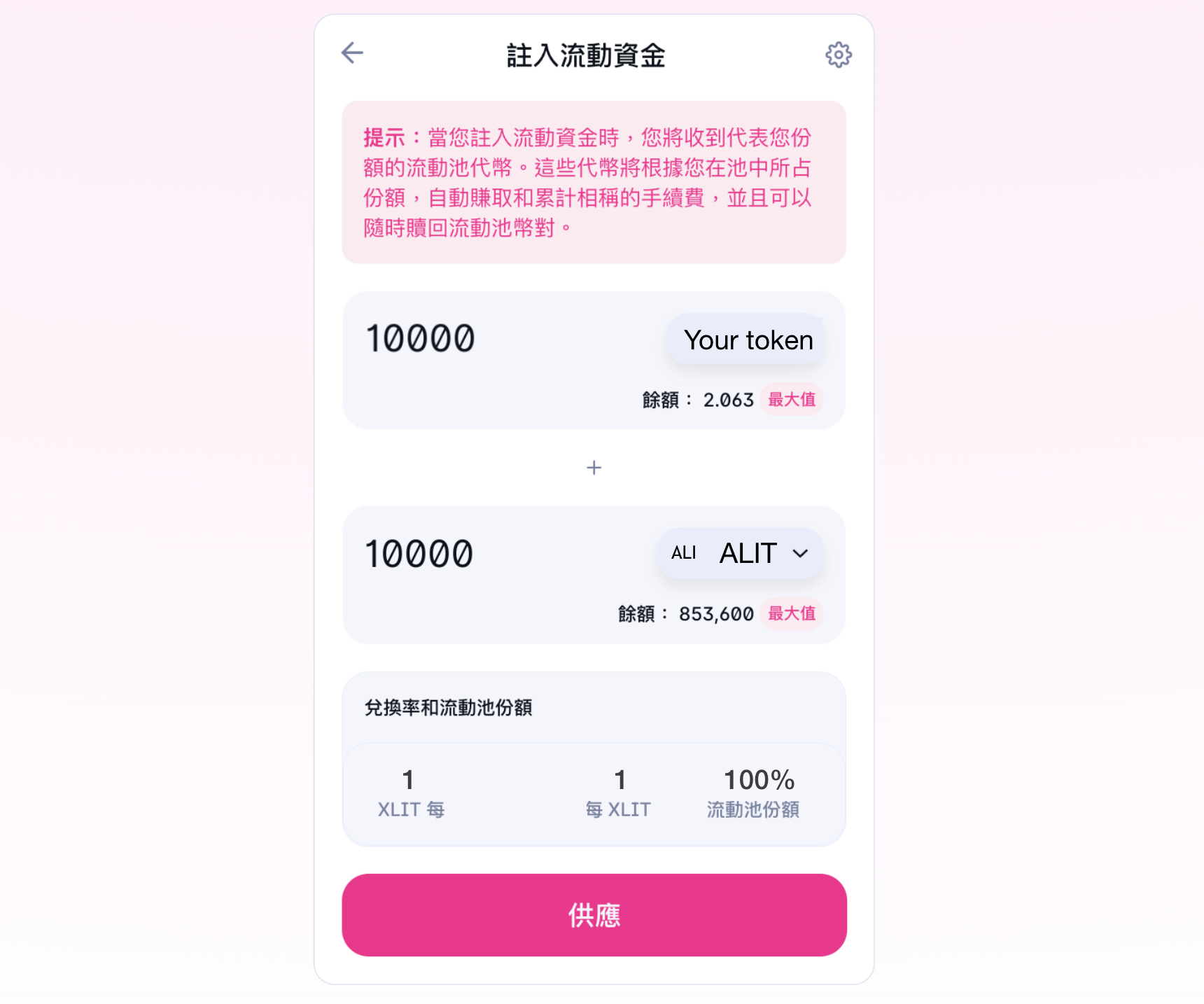
**步驟 6**：點擊「供應」。

<figure><img src="https://3094751767-files.gitbook.io/~/files/v0/b/gitbook-x-prod.appspot.com/o/spaces%2FiXi7V9WlCqahor8Zy18g%2Fuploads%2FMLZhj5AyQz8VdDasksPv%2Fchose%20token.png?alt=media&#x26;token=abd0152e-ef15-4892-94a9-863d4809031d" alt=""><figcaption><p>代幣幣種及數量</p></figcaption></figure>

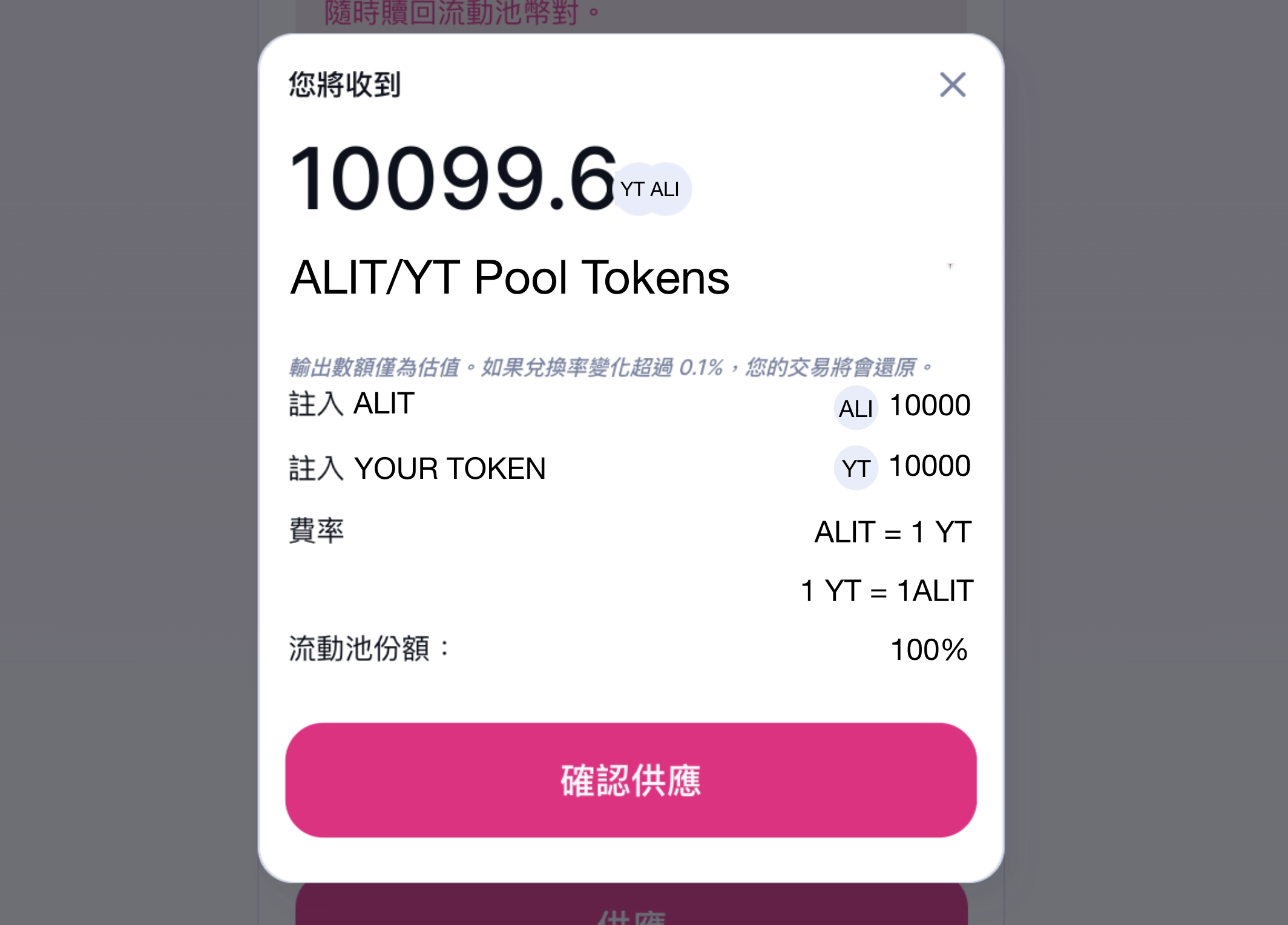
**步驟 7**：將會彈出一個彈出視窗，點擊「確認供應」選項。

<figure><img src="https://3094751767-files.gitbook.io/~/files/v0/b/gitbook-x-prod.appspot.com/o/spaces%2FiXi7V9WlCqahor8Zy18g%2Fuploads%2FSCtL16mE2TNohpDeqnc4%2Fconfirm.png?alt=media&#x26;token=005b2fd1-584d-4038-a0b2-b54f6ab60c0e" alt=""><figcaption><p>確認存入資金池的數量</p></figcaption></figure>

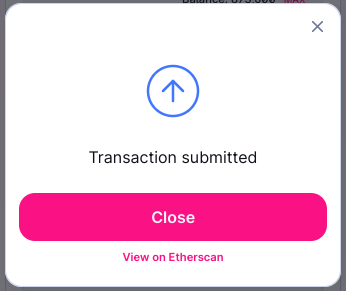
**步驟8：**&#x8207;合約交互完成後即完成創建幣對，點擊「Close」選項。

<figure><img src="https://3094751767-files.gitbook.io/~/files/v0/b/gitbook-x-prod.appspot.com/o/spaces%2FiXi7V9WlCqahor8Zy18g%2Fuploads%2FCigHtYmyIUemNYfU4aIT%2FClose.png?alt=media&#x26;token=694e0aa9-77f5-4f77-9195-dcd88db668d3" alt=""><figcaption></figcaption></figure>

{% hint style="info" %}
代幣價格將根據您存入的代幣數量而定。假設您存入了1ETH和1顆您的代幣，您的代幣初始價格將等於1ETH。
{% endhint %}


---

# Agent Instructions: Querying This Documentation

If you need additional information that is not directly available in this page, you can query the documentation dynamically by asking a question.

Perform an HTTP GET request on the current page URL with the `ask` query parameter:

```
GET https://allimeta.gitbook.io/creator-manual/guan-li-ni-de-shi-jie/qi-dong-zi-jia-dai-bi-jing-ji/chuang-jian-jiao-yi-dui.md?ask=<question>
```

The question should be specific, self-contained, and written in natural language.
The response will contain a direct answer to the question and relevant excerpts and sources from the documentation.

Use this mechanism when the answer is not explicitly present in the current page, you need clarification or additional context, or you want to retrieve related documentation sections.